The Cvent Attendee Hub is where your attendees find the agenda, speakers, sponsors and each other. A hub that is half-built on launch day frustrates attendees and wastes the licence fee. Use this checklist to get everything in place before you publish.
Before you build
- Set the goal. Is the hub for logistics, networking, sponsor value or all three? The goal decides what you build first.
- Collect the content. Agenda, speaker bios and headshots, sponsor logos and descriptions, venue maps and FAQs.
- Agree the deadline. Set a content freeze at least two weeks before the event.
Build the essentials
- Agenda. Build sessions with times, rooms and tracks. Check time zones if the event is hybrid.
- Speakers. Add photos, titles and a short bio, and link each speaker to their sessions.
- Sponsors and exhibitors. Add logos and links in the order your sponsorship tiers promise.
- Venue and logistics. Maps, Wi-Fi details, transport, accessibility information and an FAQ page.
- Branding. Match colours, logo and splash image to your event site so it feels like one event.
Turn on engagement features
- Networking. Decide whether attendees can message each other, and set profile fields to make connections useful.
- Notifications. Plan three to five messages: a welcome, session reminders and a daily wrap-up. More than that feels like spam.
- Polls and Q&A. Add them to the sessions where they add value, not every session.
Test before you launch
- Test on real phones. Check at least one iPhone and one Android handset, and the web version.
- Check the login flow. The most common launch problem is attendees who cannot get in. Test the invite email and sign-in on a fresh device.
- Review every link. Each sponsor link, map and document should open correctly.
Launch and promote
- Send the invite one to two weeks before the event, with a clear download or sign-in step.
- Remind people the day before, and put a QR code to the hub on signage and the badge.
- Show attendees the hub during the opening session, in one slide.
During and after the event
- Assign one person to update the agenda and send notifications live.
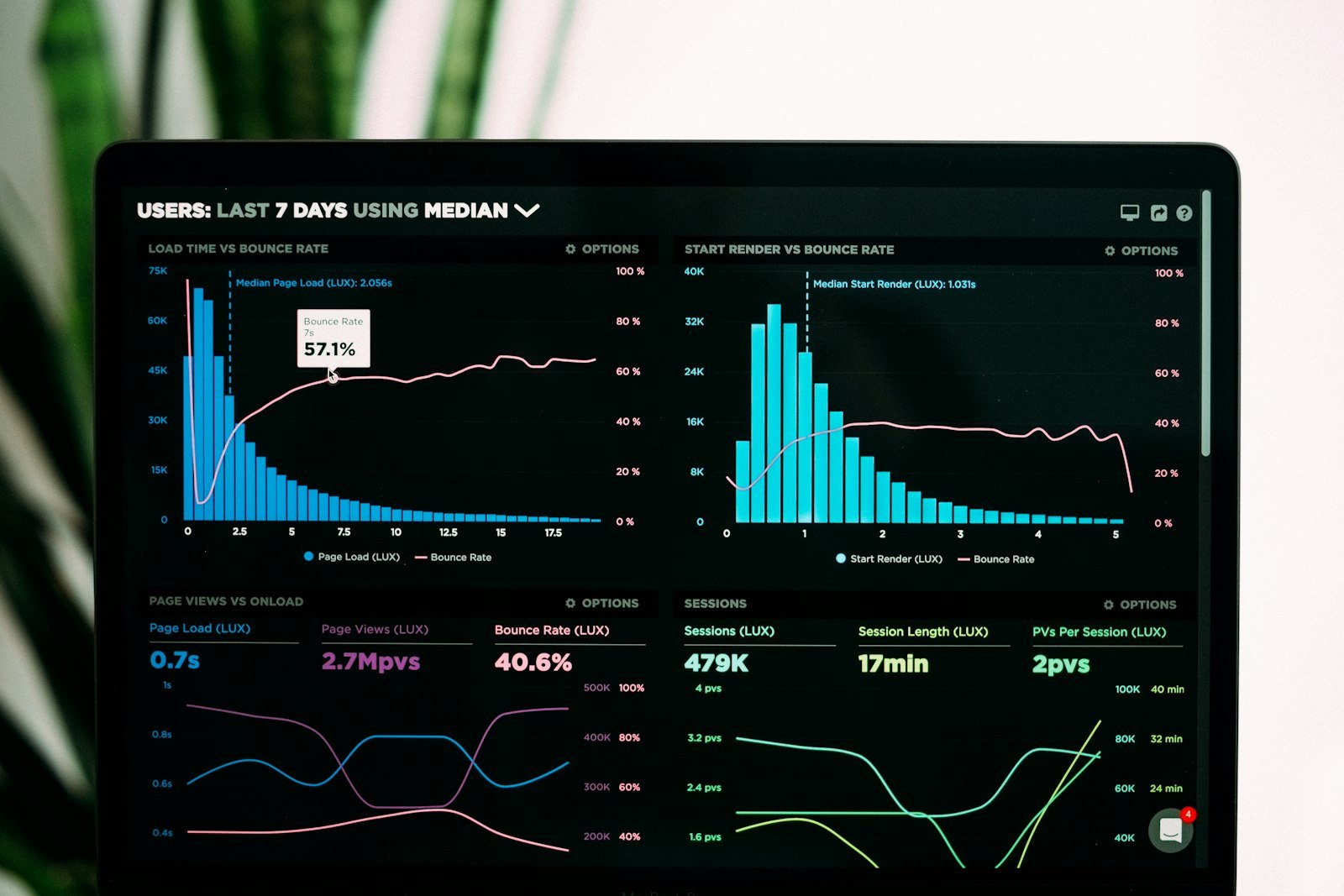
- Review usage data afterwards: sessions viewed, messages sent and sponsor clicks.
- Share sponsor engagement numbers with sponsors, since they will ask.
Common mistakes
- Publishing before speakers and sessions are final, then changing them repeatedly.
- Sending too many notifications.
- Skipping a login test.
- Forgetting to tell attendees the app exists.
Need a hub built for you?
AttendeeGain builds and tests Attendee Hub events end to end, from content import to launch day support. See our mobile event app service, review our Cvent implementation checklist, or book a free call.