Quick Answer
A Cvent implementation checklist covers seven phases: discovery and scoping, core platform configuration, integrations and data migration, testing and UAT, onsite and mobile setup, training and go-live, and post-launch optimization. A typical implementation runs 6 to 10 weeks depending on complexity, longer for multi-region or highly customized programs. Below is the full phase-by-phase breakdown, the pitfalls that derail most projects, and where the new AI features fit into your setup — not just the registration build most checklists stop at.
Key Takeaways
- A full Cvent implementation typically takes 6–10 weeks, though complex multi-region programs run longer.
- The biggest pitfall isn’t the platform build — it’s skipping a dedicated UAT phase and finding logic errors after launch instead of before it.
- Historical data cleanup matters more in 2026 than it used to, since CventIQ’s AI features perform only as well as the data behind them.
- Most teams underestimate ongoing ownership. Someone needs to own template, user, and integration management after the vendor project ends — or budget for a managed services retainer instead.
- We built this checklist to be phase-by-phase and bookmarkable, not a wall of generic best practices.
Phase 1: Discovery & Scoping (Weeks 1–2)
Get this phase right, and everything downstream moves faster.
- Define every event type you’ll actually run through Cvent — conferences, webinars, roadshows, trade shows. Each has different configuration needs.
- Inventory your current tools and data. List everything you’re migrating from or connecting to: your CRM, your existing registration tool, your marketing automation platform.
- Map stakeholders and approval workflows. Decide who owns budget sign-off, who owns registration logic, and who owns reporting before configuration starts, not after.
- Scope your integrations explicitly. Salesforce, HubSpot, Marketo, and payment processors all need field-mapping decisions made up front.
Phase 2: Core Platform Configuration (Weeks 2–5)
This is where most of the actual build happens.
- Registration module setup — conditional logic, multi-track builds, payment processing, and custom confirmation flows.
- Email workflow configuration, tied to your registration logic and approval stages.
- Housing, budgeting, and reporting modules, configured to match your existing financial and operational processes.
- Brand templates, built once and reused across every future event rather than rebuilt each time.
- User roles and permissions, set deliberately rather than defaulting everyone to admin access.
Phase 3: Integrations & Data Migration (Weeks 4–6)
Run this in parallel with Phase 2 wherever possible.
- CRM sync configuration — Salesforce, HubSpot, or Marketo, mapped to your actual sales and marketing workflows.
- Integration sync verification. Confirm data actually flows correctly in both directions before you trust it.
- Historical data cleanup, if you’re migrating from another platform. This step gets skipped constantly, and it’s the one that causes the most pain later — both for reporting accuracy and for how well CventIQ’s AI features perform once you turn them on.
Phase 4: Testing & UAT (Weeks 6–7)
Don’t skip this phase to hit a deadline. It’s the cheapest insurance in the whole project.
- End-to-end test registrations, run by someone outside the build team.
- Logic validation across every conditional path, not just the default flow.
- Payment flow checks, tested with real payment methods, not just the sandbox.
- A guided UAT walkthrough with your full team before go-live, so surprises surface internally instead of in front of attendees.

Phase 5: Onsite & Mobile Setup (Weeks 6–8, if applicable)
Skip this phase entirely if your program is fully virtual.
- OnArrival deployment — badge templates, self-service kiosks, mobile check-in, and session-scanning configuration.
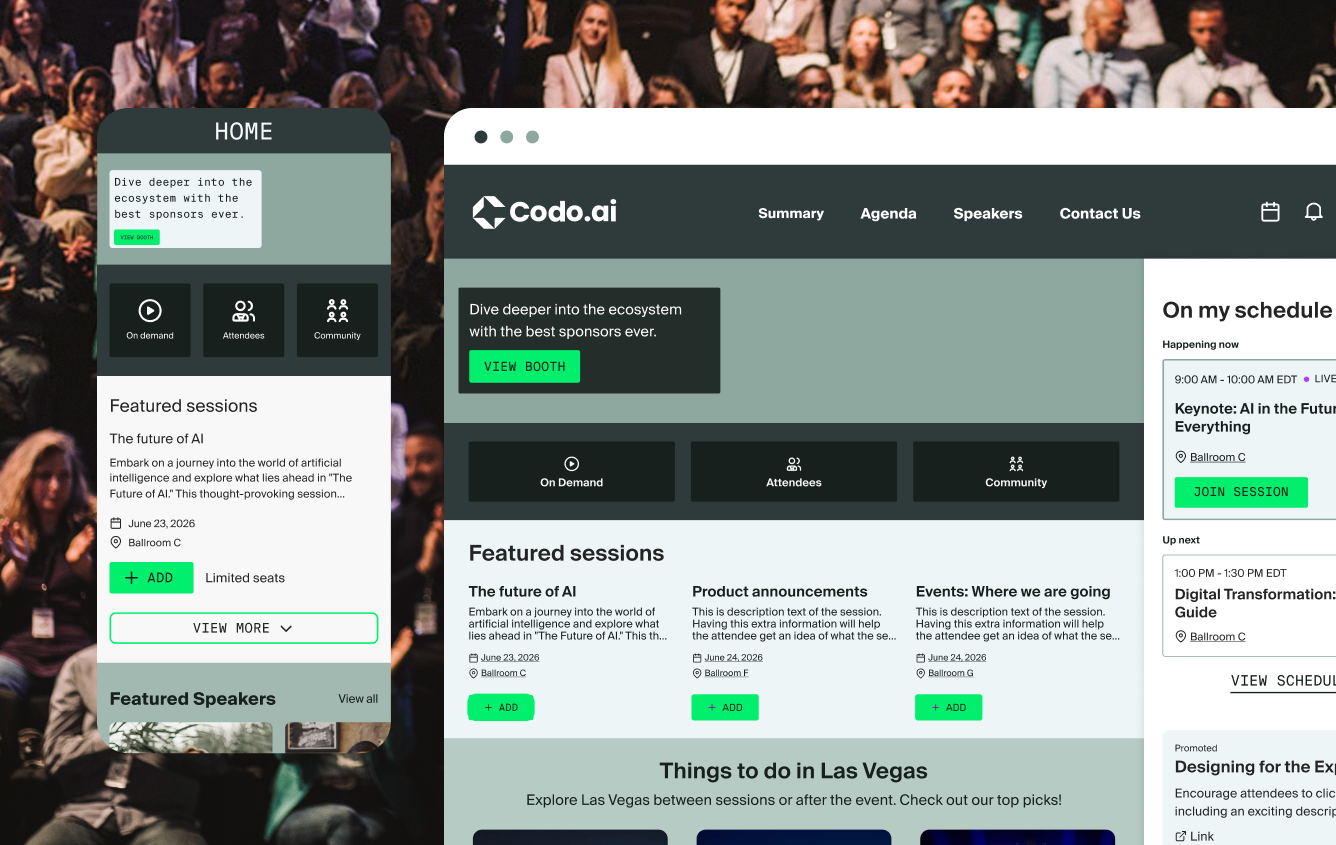
- Mobile event app setup, branded and connected to your registration data.
- Onsite staffing plan, including who troubleshoots badge printing and check-in issues live.
Phase 6: Training & Go-Live (Week 8+)
- Platform walkthroughs and live training sessions for every admin and coordinator who’ll touch the system.
- Custom SOPs, written around your specific templates and workflows, not generic Cvent documentation.
- A post-training support period, so new admins have somewhere to go when they hit their first real problem.
Phase 7: Post-Launch Optimization (Ongoing)
- Custom dashboards and automated report scheduling, set up before your first event rather than built ad hoc afterward.
- Registration funnel analysis, reviewed after every event to catch drop-off points.
- Decide your ongoing ownership model. Some teams keep a dedicated in-house admin; others move to a managed services retainer where an outside team builds events, maintains templates, and runs integrations on an ongoing basis. Both work — but decide deliberately, rather than letting ownership fall through the cracks after launch.
The Full Timeline at a Glance
| Phase | Typical Duration | Who Owns It |
|---|---|---|
| 1. Discovery & Scoping | Weeks 1–2 | Project lead + stakeholders |
| 2. Core Platform Configuration | Weeks 2–5 | Implementation team / admin |
| 3. Integrations & Data Migration | Weeks 4–6 (parallel to Phase 2) | IT + platform admin |
| 4. Testing & UAT | Weeks 6–7 | Full team, outside the build group |
| 5. Onsite & Mobile Setup | Weeks 6–8 (if applicable) | Onsite/ops lead |
| 6. Training & Go-Live | Week 8+ | Admin team + end users |
| 7. Post-Launch Optimization | Ongoing | Dedicated admin or managed services partner |
Note the overlap between Phases 2 and 3 — running configuration and integration work in parallel is usually the single biggest timeline saver, provided both teams stay in sync on field mapping.
Common Pitfalls That Derail Implementations
- Skipping historical data cleanup. This breaks reporting accuracy and limits how well AI features like CventIQ can perform later.
- Under-scoping integrations. CRM sync issues that surface post-launch are far more expensive to fix than issues caught during Phase 3.
- No dedicated UAT phase. Teams that skip this find their logic errors in front of attendees instead of testers.
- Treating implementation as one-and-done. Nobody owns template updates, user management, or integration maintenance once the project technically “ends.”
- Ignoring AI readiness until it’s too late. Teams that don’t clean their data or plan permissions early get caught flat-footed when Q3 2026’s CventIQ features actually ship.
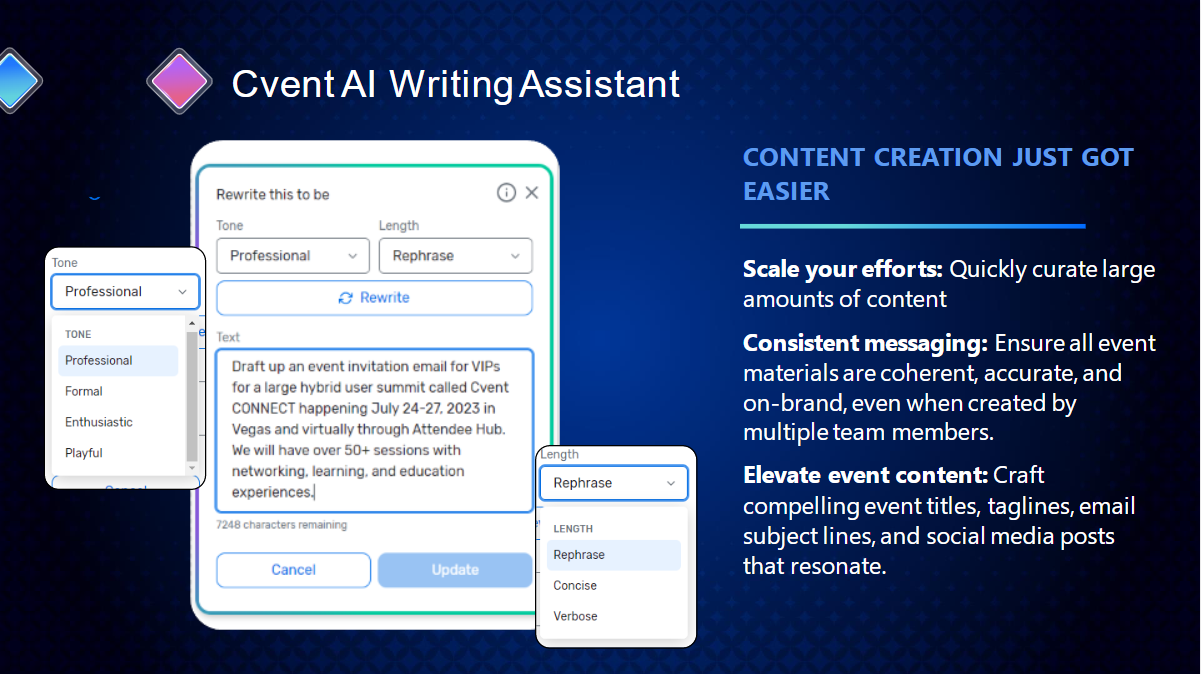
Where AI and CventIQ Setup Fits
The 2026 wave of Cvent AI features doesn’t require a separate implementation project, but it does require groundwork most teams don’t plan for during their initial build. Fold these into Phase 3 and Phase 7 rather than treating them as a future problem:
- Clean, structured historical data (the same data hygiene work as Phase 3, done with AI performance in mind).
- Early beta enrollment for live features like Insights and Survey Feedback Insights.
- A documented plan for populating the Program Knowledge Base once it ships in Q4 2026.
- A data governance review, since CventIQ runs on third-party AI models.
For the full breakdown of what to configure and why, see our CventIQ explainer. And if your organization runs webinars, roadshows, or trade shows through separate tools today, build your migration plan around Cvent’s Unified Event List rather than implementing each event type as a separate project.
Where to Go From Here
This checklist covers the framework. The actual work — field mapping, UAT scripting, SOP writing — is where most projects actually slow down. For the complete, continuously updated status of everything Cvent has announced for 2026, see our CONNECT 2026 roadmap hub.
FAQ
How long does a Cvent implementation take? A typical implementation runs 6 to 10 weeks, covering discovery, configuration, integrations, testing, and training. Multi-region programs or heavy customization can extend that timeline significantly.
What are the phases of a Cvent implementation? Seven phases: discovery and scoping, core platform configuration, integrations and data migration, testing and UAT, onsite and mobile setup, training and go-live, and post-launch optimization.
What’s the biggest mistake teams make during Cvent implementation? Skipping a dedicated UAT phase. Teams that go straight from configuration to launch tend to discover logic errors and integration issues in front of live attendees instead of catching them in testing.
Do I need to prepare for AI features during implementation? Yes, if you plan to use CventIQ features later. Clean historical data, early beta enrollment, and a data governance review all belong in your initial implementation rather than being addressed after the fact.
Should I hire an implementation partner or do it in-house? Depends on team bandwidth and platform complexity. Straightforward, single-event-type programs can often go in-house. Multi-event-type, multi-integration, or fast-timeline projects usually move faster with a dedicated implementation partner.